Local-First
Free to Use
Built by Devs, for Devs
As seen on SaaSHub

Your clipboard, but it understands your code

Terminal-native clipboard vault for developers

Install the official CLI, keep your workflow local-first, and retrieve clipboard context by type instead of by order. Clip Gate auto-classifies everything you copy into developer-meaningful types, then lets you retrieve it by type, not by order.

Read Docs
$ curl -fsSL https://clipgate.github.io/install.sh | sh
782+ installs / month on PyPI live

Free to use. No account required. Official installs via the site, PyPI, and Homebrew.

~
The Problem

Leaked. Lost. Looped.
Three things your clipboard does wrong — and what Clip Gate does about each.

You already know at least one of these feelings. Clip Gate fixes all three.

LEAK

You just pasted a secret. Every app can still read it.

Once is too many
Without Clip Gate
# copied at 4:32 — AWS access key
$ pbpaste
AKIA4IOSFODNN7EXAMPLE
# 2 hours later: still in clipboard.
# Any app on your Mac can read it.
# Cmd+V in Slack → leaked forever.
With Clip Gate
# copied at 4:32 — AWS access key
cg: secret detected (AWS)
cg: memory-only · 5m TTL
cg: not in history · not on disk
$ cg list --type secret
(empty — auto-expired at 4:37)

Clip Gate detects secrets the instant you copy them. Memory-only, auto-expiring, never on disk, never in search history.

LOST

You copied four things. You only remember the last one.

Every debug session
Without Clip Gate
10:04 copied stack trace
10:06 copied file path
10:09 copied SQL snippet
10:12 copied URL
10:14 need that stack trace…
$ pbpaste
http://localhost:3000
# wrong. retype from memory.
With Clip Gate
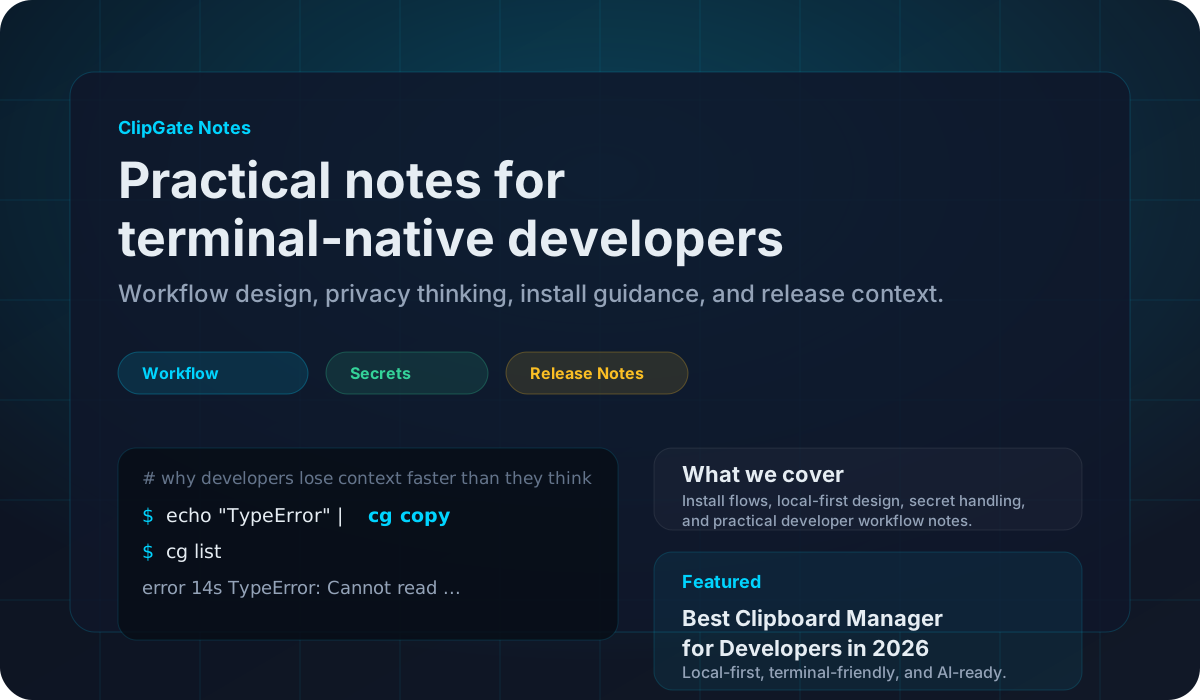
$ cg list
ID TYPE AGE PREVIEW
…K5R error 10m TypeError: Cannot…
…K4Q path 8m /Users/dev/proj…
…K40 sql 5m SELECT * FROM u…
…K3Z url 2m localhost:3000
$ cg paste --type error
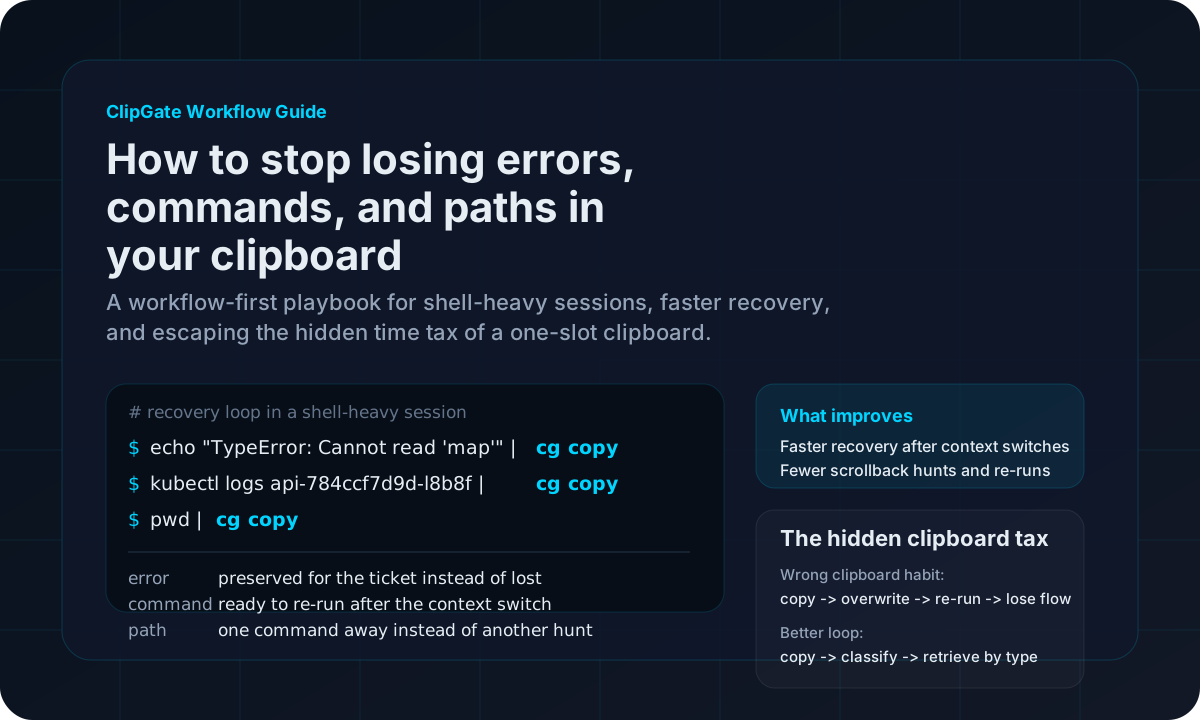
TypeError: Cannot read property 'map'

Clip Gate classifies every clip — error, path, URL, JSON, command. Ask for the last error. Get the last error.

LOOP

You paste the same 4 things into Claude. Every. Single. Time.

Every AI prompt
Without Clip Gate
you → claude: [paste error]
you → claude: [paste file path]
you → claude: [paste function body]
you → claude: [paste command output]
you → claude: "fix these?"
# 5 pastes. 3 lost clips.
# 40 seconds of ceremony.
With Clip Gate
$ cg pack --type error -n 3 \
| claude "fix these"
 
cg: packed 3 items (~69 tokens)
claude: Looking at the errors…
 
# one command. one prompt.

Clip Gate packs multiple clips into one LLM prompt. Built for the AI-assisted workflow you already use all day.

Architecture

What happens when you copy

Every clipboard item flows through a 5-stage pipeline in under 5ms.

< 5ms end-to-end · runs entirely on your machine

Classification Engine

13 types. 60+ patterns. Zero config.

Every copy is auto-sorted into a type bucket — locally, in under 5ms. Later, you retrieve by what it is, not by what order you copied it.

$npm run build 2>&1 | cg copy → classified error · bucket: errors · 5ms $cg paste --type error   # 10 minutes later TypeError: Cannot read properties of undefined…
Secret Memory · 5m
Stripe·AWS·GitHub·JWT·Slack·Twilio·SSH·entropy
sk_live_4eC39HqLyjWDarjt…
Stripe sk_live_ prefix · entropy 4.71
Error SQLite
JS stack·Python traceback·Rust panic·Go·Java·C++·generic
TypeError: Cannot read properties of undefined
JS TypeError + `at … (file:line:col)`
URL SQLite
http·https·ws/wss·ftp·file·custom schemes·query
https://api.example.com/v1/users?page=2
url::Url::parse succeeds (scheme + host)
Path SQLite
/Users·/home·/var·/tmp·C:\·~/·./rel
/Users/dev/projects/app/src/main.rs
Filesystem-root prefix + valid path glyphs
JSON SQLite
object·array·nested·JSONL·pretty·minified
{"status":"ok","count":42}
serde_json::from_str succeeds
Command SQLite
git·npm·cargo·docker·kubectl·curl·pipes
cargo build --release 2>&1 | tee build.log
Known CLI binary + flags + pipes/redirects
SHA SQLite
SHA-1·SHA-256·SHA-512·MD5·git commit·short
a3f9d12b8e7c4f5a1b2c3d4e5f6a7b8c9d0e1f2
40 hex chars (SHA-1 / git commit)
Diff SQLite
unified·git·patch·@@ hunks·+/- lines
diff --git a/src/main.rs b/src/main.rs
Leading `diff --git` or `@@ … @@` marker
SQL SQLite
SELECT·INSERT·UPDATE·DELETE·CREATE·JOIN·WITH
SELECT id, name FROM users WHERE active = true
Leading SQL verb + keyword density
Env SQLite
KEY=val·DATABASE_URL·API_KEY·.env file·multi-line
DATABASE_URL=postgres://localhost/mydb
`[A-Z_]+=…` + known env-var prefix
Docker SQLite
FROM·RUN·COPY·ENV·CMD·ENTRYPOINT·compose
FROM rust:1.75-slim AS builder
Dockerfile instruction keyword at line start
IP SQLite
IPv4·IPv6·CIDR·with port·private ranges
192.168.1.42:8080
4 octets 0–255 + optional :port
Text SQLite
notes·prose·unknown·plain string·fallback
meeting notes from standup
No other matcher fired — default bucket
13
Content types detected
0
Network requests made
0
Bytes sent to cloud
<5ms
Classification speed
The Whole Tool

Five commands. That's the whole mental model.

No dashboard. No settings to tune. If you can use cd and ls, you already know how cg works. Here's the 60-second tour.

cg copy 01 · capture

Save anything to your vault. Pipe command output, paste text, or pass a file. It gets classified and indexed automatically.

$npm run build 2>&1 | cg copy
saved · type=error · 1.2KB · id=k3f9
cg list 02 · browse

See what you've got. Every item with its type, age, and preview. Filter by type to cut through noise.

$cg list --type error
k3f9 2m TypeError: Cannot read… a1b7 11m panic: runtime error…
cg paste 03 · retrieve

Get the right thing back. Last error, last URL, last SHA — ask by type, not by memory. Pipe it straight to your AI.

$cg paste --type error | claude
# sends the most recent error, not your last Cmd+C
cg pack 05 · handoff

Bundle for your AI. Group recent errors, paths, and commands into one structured block. Pipe to any CLI model — no MCP required.

$cg pack --last 10m | gpt
packed 6 items · 2.1KB · redacted 2 secrets
That's the whole tool. Flags exist for power users, but most days you'll live in these five. MCP server, push/pop stacks, and search syntax are in the docs when you need them. Install in 30 seconds →
AI-Native

Plugs into every AI tool you already use

Built-in MCP server exposes your clipboard vault to any MCP client. Or pipe cg pack output to any CLI AI. No accounts. No API keys. Local-first.

Claude Code

Native MCP. Reads your typed history without a single copy-paste.

MCP

Cursor

MCP-aware coding. Errors and snippets surface inside the editor.

MCP

ChatGPT / Codex

Pipe cg pack straight into the CLI or paste into chat.

CLI

GitHub Copilot

Hand bundled context to Copilot Chat via paste or terminal.

CLI

Continue.dev

MCP server discoverable as a tool source for any model.

MCP

Windsurf

Pipe vault entries as context blocks into Cascade.

CLI
~/your-project
# Start the MCP server (one command, runs locally)
$ cg mcp
cg: MCP server listening on stdio · 6 tools registered
# Or pipe directly: bundle the last 3 errors and ask Claude
$ cg pack --type error -n 3 | claude "find the root cause"
Claude: All three failures share a common DB timeout origin...
Browser Extension

The same intelligence — now in your browser

Capture errors, code snippets, and JSON from any web page. Pipe them straight to your terminal. Zero context switching, zero re-typing.

chrome-extension://clipgate
Clip Gate browser extension popup

Smart copy from any page

One click captures the right thing — the error message, the code block, the JSON payload — already classified by type.

Secret-safe by default

Keys and tokens copied from a page never touch disk. Memory-only vault, auto-expires in 5 minutes.

Pipes straight to your terminal

Browser captures appear instantly in cg list. Use cg paste --type error from any shell — same DB.

Philosophy

Design principles

Local First

Everything runs on your machine. Encrypted local vault. No cloud. No telemetry. No accounts.

Invisible Until Needed

Minimal output by default. One-line confirmation on stderr. Add --quiet for true silence.

Secrets Are Sacred

API keys auto-detected. Memory-only vault. 5-minute TTL. Zero bytes on disk, ever.

AI-Native

Built for AI workflows from day one. Context packing, MCP server, structured output formats.

Download

Install in 30 seconds

curl -fsSL https://clipgate.github.io/install.sh | sh

macOS (ARM + Intel) and Linux (x86_64 + ARM64). Auto-detects your platform.

pip install clipgate

No Rust needed. Works on macOS, Linux, and Windows. Follow the package instructions on the docs page.

open https://clipgate.github.io/releases/

Grab a prebuilt binary from the release notes page for your platform.

brew install clipgate/tap/cg

macOS and Linux via the official Homebrew tap. Release binaries remain hosted on the site.

open https://clipgate.github.io/support/

Need help? Read the docs, check release notes, or contact support from the official site.

Also available on: PyPI Chrome Web Store

Then try your first commands:

$ echo "TypeError: x is undefined" | cg copy
$ cg list
ID TYPE AGE PREVIEW
01KN3K49 error 5s TypeError: x is undefined
$ cg paste --type error
TypeError: x is undefined
$ eval "$(cg shell-init)" # shell aliases
Compare

How ClipGate compares

Most clipboard tools remember what you copied. Only ClipGate also knows what kind of thing it is — and makes it pipeable to your terminal and AI stack.

Feature ClipGate Maccy Raycast Paste Alfred Flycut
Typed retrieval
Secret detection
Local-first
Terminal-native (CLI)
MCP / AI-stack integration
Free tier

yes   partial / limited   no
* Secret detection = automatic recognition of API keys, tokens, and passwords on copy. Manual privacy toggles don't count.

Pricing

Simple now, scalable later

Start with the free binary. Advanced capabilities can arrive later on top of the same official distribution flow.

Free

Free binary

Core clipboard capture, classification, search, packing, and local storage. Download from the official site and use it on your own machine.

Coming Soon Advance

Advance

Advanced workflow automation, larger sync-aware surfaces, and deeper integrations planned on top of the same base binary.

Docs

Official docs

Read setup, command references, and architecture notes on the public site. No source-code digging required.

Support

Need help?

Use the support page for install help, release questions, and product feedback.

Latest from the blog

Latest from the blog

See all posts →

Stop losing what you copy.

Install the free binary and turn your clipboard into a developer tool.

Read Docs